
Your business can grow without your calendar growing at the same rate.
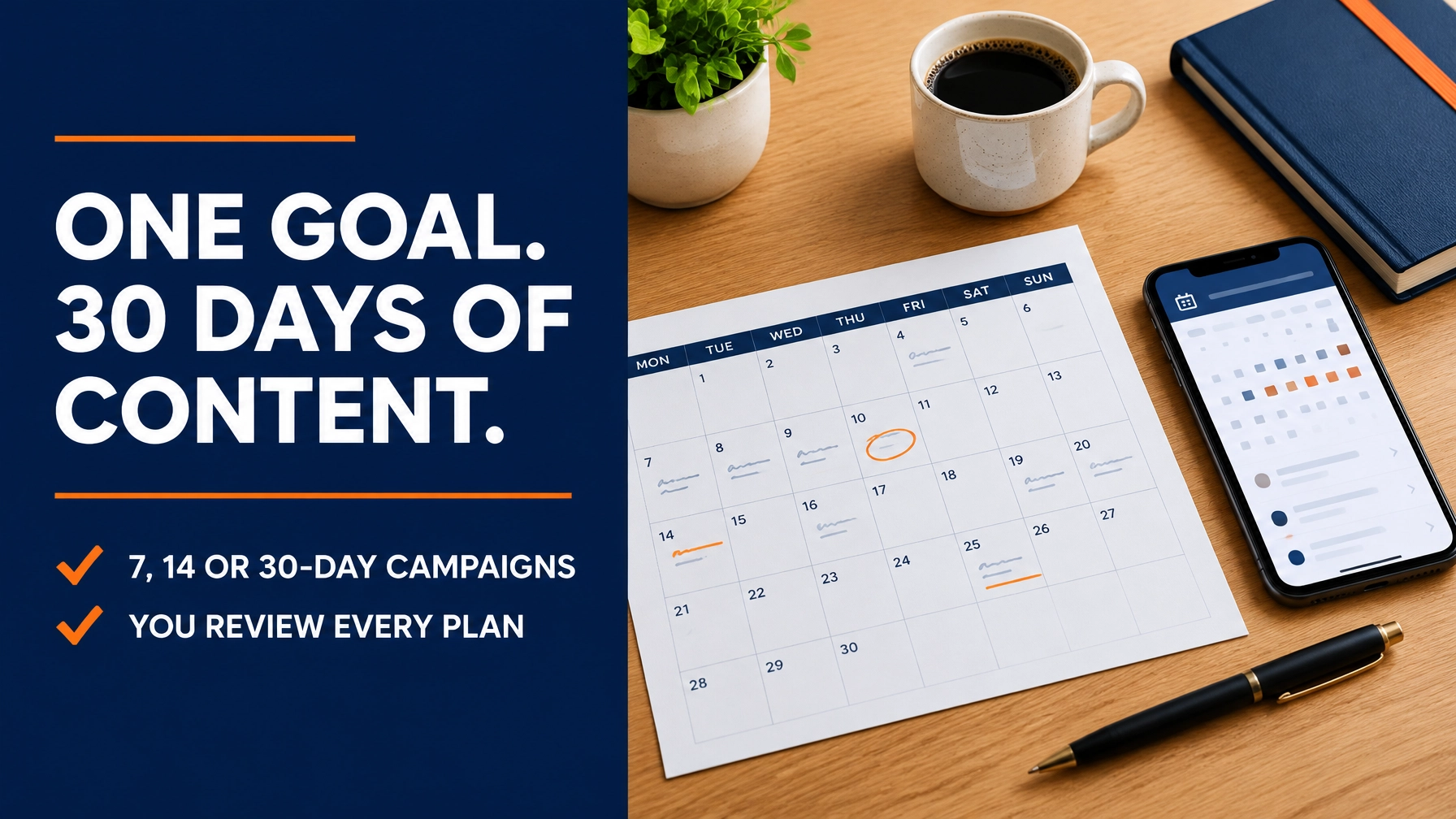
A focused social campaign helps you turn one business objective into a clear sequence of content ideas, then develop the posts you choose to create. With Buzz Social Biz, Campaigns takes you from goal to a 7, 14, or 30-day plan, and keeps you in control at every step.
Turn One Business Goal Into a Practical Plan
A campaign starts with a specific objective. You might want to promote a seasonal offer, highlight a service, or build awareness around a new product. Instead of facing an empty content calendar, you give your goal structure and a defined time frame.
Buzz Social Biz Campaigns uses your campaign details to generate one planned item per day. Each item includes an objective, topic, brief, call to action, and platform assignment. That gives you a useful content direction for each day without automatically turning every idea into a finished post.

Choose a Campaign Length That Fits Your Goal
Start with the time frame that makes sense for your next priority. A shorter plan gives you a focused starting point. A 30-day plan gives you a month of daily content direction to review and shape.
- 7 days: Generate a week of planned items for 8 Buzz Credits.
- 14 days: Generate two weeks of planned items for 12 Buzz Credits.
- 30 days: Generate a full month of planned items for 20 Buzz Credits.
Creating a campaign costs 0 credits. You can set up its name, goal, duration, target platforms, audience, offer, and notes before generating the plan. That means you can define the campaign first, then use credits when you’re ready to create its content plan.
Give the Plan Useful Direction
The better your campaign inputs reflect your business, the more purposeful your plan can be. Describe the goal in plain language and provide useful context about who you want to reach and what you want them to do.
For example, a local service business could create a campaign around introducing a seasonal service offer. Its audience details can clarify who the offer is for. The offer field can outline what’s available, while notes can provide relevant context for the AI-generated plan.
You can also choose from the supported target platforms: Facebook, Instagram, LinkedIn, and Threads. Select the platforms that fit your campaign and audience. The plan assigns each item to a platform, giving you a clearer path from the overall objective to the content you’ll prepare.
Review Before You Activate
Your plan is a starting point, not a command to publish. Review the generated items and decide whether the topics, briefs, calls to action, and platform assignments fit your brand and campaign goal.
You approve the plan before anything is activated. Reviewing and approving costs 0 credits, and activating the campaign costs 0 credits. This human review keeps you in control. Adjust your campaign approach before moving forward, so the direction reflects what you actually want to communicate.

Turn Selected Plan Items Into Finished Posts
A planned item outlines what a post should accomplish. When you’re ready to develop one, generate a full post draft from that campaign item for 2 credits per post. You can work through the plan item by item, choosing which ideas to turn into finished content.
This gives your campaign a practical content-creation flow:
- Set the objective. Define the business goal you want your campaign to support.
- Generate the plan. Build a daily sequence of content ideas for your selected duration.
- Review and approve. Check the campaign direction before activation.
- Create selected posts. Generate full drafts from the planned items you choose.
- Refine and publish. Edit the content, then schedule or publish it when ready.
Editing copy, calls to action, links, or media costs 0 credits. Scheduling or publishing content that has already been generated also costs 0 credits. That separation lets you use AI to move from plan to draft, then make the final decisions about how each post represents your business.
Make Social Media Work Easier to Manage
Social media management for small business often competes with customer service, delivery, sales, and day-to-day operations. Campaigns gives you a structured way to connect a business priority to planned social content, rather than approaching each post as an isolated task.
That makes Campaigns useful within a broader approach to small business automation. It helps organize the strategy and content workflow while leaving review and publishing decisions with you. For owners exploring an AI social media manager or AI tools for small business, that balance matters: use automation to create momentum, and keep human judgment in the loop.
Buzz Social Biz is more than a scheduler. Campaigns supports strategy and planning, while the wider platform helps you create content and manage publishing workflows. It’s a focused option for social media automation for small business that starts with your business objective.

Understand the Plan Before You Start
Campaign setup, plan review, approval, and activation cost 0 credits. Generating the campaign plan costs 8 credits for 7 days, 12 credits for 14 days, or 20 credits for 30 days. Generating a full post draft from a campaign item costs 2 credits per post. Editing and scheduling or publishing already-generated content costs 0 credits.
For execution tools, Buzz Social Biz offers a paid plan: $29.99/month, includes 100 Buzz Credits per paid month, unused credits roll over, cancel anytime. Review the Buzz Social Biz plans and pricing before choosing the plan that fits your needs.
The free tier is for exploration and community; campaign execution tools require a paid plan. You can begin by exploring Buzz Social Biz, then choose a paid plan when you’re ready to build and execute campaigns.
Turn Your Next Goal Into a Campaign
Choose one clear business objective. Decide whether a 7, 14, or 30-day plan fits your priority. Add your audience, offer, target platforms, and relevant notes. Then generate, review, and approve a plan that gives your content work direction.
Start exploring Buzz Social Biz free, with no card required, at buzzsocialbiz.com. When you’re ready to use Campaigns, view the paid plans and turn your next business goal into a practical social content plan.















Leave a Reply