
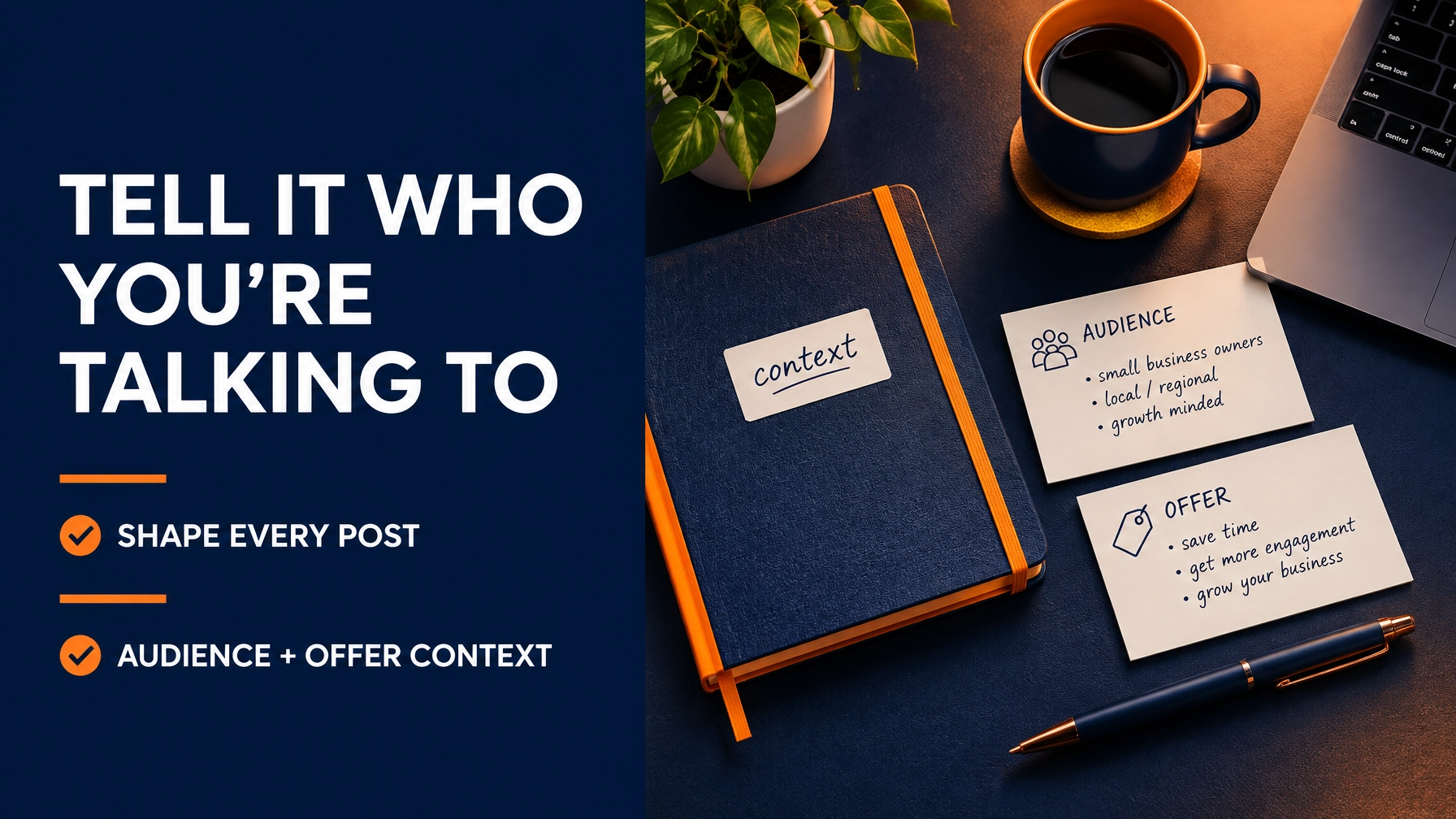
Your social posts should speak to the people you want to reach, and make it clear why your offer matters to them. The audience and offer details you give Buzz Brain help shape the focus, examples, benefits, and next step in each generated post.
That context turns an AI-generated draft from a generic starting point into a more relevant piece of communication. When you give Buzz Social Biz clear information, you give every post a stronger direction.
Give Each Post a Clear Purpose
A post is more than a caption. It connects a specific audience with a message and a next step. If your audience is vague or your offer is unclear, the generated copy has less to work with.
Buzz Brain uses your business profile context (including your business name, offer, audience, brand voice, goals, website context, and boundaries) to inform generated content. The details matter because they help determine what the post emphasizes and what it should avoid.

Audience Details Set the Message’s Focus
“Small business owners” may be a starting point, but it can describe many different people. A neighborhood retailer, a new consultant, and a growing service company may all have different priorities. A post written for everyone can feel specific to no one.
Give Buzz Brain a useful picture of the people you want to reach. Describe the audience’s role or type of business, what they need, and what they are trying to accomplish. Add the questions they may have before taking action. These details help clarify which benefit deserves attention and which language will feel relevant.
For example, a local service provider might want to reach nearby homeowners looking for a convenient way to book. A business coach might want to connect with new entrepreneurs who need practical guidance. The post’s angle changes because the audience’s needs change.
Specificity does not mean adding unnecessary personal information. Focus on business-relevant needs and interests. A clear audience profile gives the post direction without making the message feel intrusive.
Offer Details Make the Benefit Concrete
Your offer tells Buzz Brain what the post is about. A short label alone may not explain why someone should care. Add the practical value, who the offer is for, and what action you want readers to take.
A useful offer description can include:
- What you provide: Name the product, service, event, or resource.
- Who it helps: Connect the offer to the intended audience.
- The value: State the benefit you want the post to communicate.
- The next step: Choose one clear action, such as visiting a page or getting in touch.
- Important boundaries: Note claims, prices, or other details that need checking before publication.
When the offer and audience fit together, the post can make the connection clear: this is what you offer, this is who it helps, and this is how to take the next step. You remain responsible for checking facts and approving the final wording.

Context Changes the Post, Not Just the Topic
Imagine asking for a post about a new service with no additional details. The result may identify the service, but it has little reason to prioritize one benefit over another or speak to a particular customer need.
Now add a defined audience, the problem your service addresses, and the action you want readers to take. That context gives Buzz Brain a clearer basis for shaping the draft. The opening can focus on the audience’s concern. The body can explain the relevant benefit. The close can point to your chosen next step.
The same offer can also support different post angles for different audiences. One version may highlight convenience. Another may explain how the service fits into a customer’s routine. The underlying offer stays the same, while the emphasis reflects the audience you have in mind.
This is a practical way to use an AI social media manager: provide the business context, generate a starting point, then review it with your knowledge of the audience and offer.
Keep Your Details Accurate and Useful
Buzz Brain can only use the context you provide. Keep it current when your business, offer, audience, or goals change. Outdated details can lead to copy that no longer reflects what you sell or who you want to reach.
Pay particular attention to claims and prices. Use the boundaries field to flag details that need checking. Then review every draft before it goes live. Confirm the offer is described correctly, the promised benefit is supportable, and the call to action points to the right destination.
This final review makes AI-assisted social media management for small business more practical. You save time building a first draft while keeping your judgment in control of what customers see.
Turn One Set of Details Into More Useful Content
Once your core context is clear, you can use it across different content tasks in Buzz Social Biz. Generate a post draft, rewrite copy for a new angle, repurpose existing content, or generate a full post from a campaign item. You can also create campaign plans for 7, 14, or 30 days.
Generated content is a starting point, not a substitute for your approval. Review the plan, adjust the wording, and confirm the details before you schedule or publish. Editing copy and reviewing plans keep you in control of the final message.
Buzz Social Biz supports Facebook, Instagram, LinkedIn, and Threads. Shape your content for the channel you use, while keeping the audience and offer context consistent with your business. That gives you a more organized path from idea to approved post.

Make Your Workflow Work for Your Business
Clear audience and offer information can also make small business automation more useful. Instead of starting every request from scratch, you can provide a foundation Buzz Brain can draw on when you generate content. You still choose the campaign, check the output, and decide what gets published.
That makes Buzz Social Biz one of the AI tools for small business owners can use to organize social content creation. It brings context and content tasks into one workspace, so you can move from a business idea to a reviewed post without losing sight of who you are addressing.
Choose the Right Access for Your Next Step
Buzz Social Biz is a standalone AI-powered social media growth SaaS operated by MIH Media Productions at buzzsocialbiz.com. Free access is for exploring the product and joining the community. The paid plan is the execution tier: generating drafts, creating campaigns, and publishing require a paid plan.
The paid plan is $29.99/month, with 100 Buzz Credits per paid month, unused credits that roll over, and the ability to cancel anytime. Top-ups are 100 credits/$10, 150 credits/$15, and 200 credits/$20; each pack quantity is 1–10 in one checkout. A post draft costs 5 credits, a rewrite costs 3, repurposing costs 4, and generating a full post from a campaign item costs 2. Campaign plans cost 8 credits for 7 days, 12 for 14 days, and 20 for 30 days. Reviewing or approving plans, editing copy, and scheduling or publishing already-generated content cost 0 credits. See plans and credit information.
Start with the audience you want to reach and the offer you want them to understand. Add clear context in Buzz Brain, generate a draft, and review it before it goes live. Explore Buzz Social Biz and build a more focused social content workflow at your pace.















Leave a Reply